Klea
A private community platform — courses, chat, content planning, client notes and data tracking, in one calm workspace.
- Role
- Product design & full-stack build
- Platforms
- Desktop, tablet, phone web, iOS, Android
- Timeline
- September – November 2026
- Scope
- End to end — design, front end, back end, database and hosting
The challenge
Running a paid community usually means juggling five tools: a group chat, a course platform, a shared calendar, a planning doc and a spreadsheet to track who has paid. Members get lost between them, and the person running it never sees the full picture.
The idea
Put the whole community under one roof. Klea brings announcements, chat, events, courses, content planning, client notes and data tracking into a single app — calm enough for members, powerful enough for the admins who run it.
Inside the app
Everything in one place.
- 01
A Home admins design
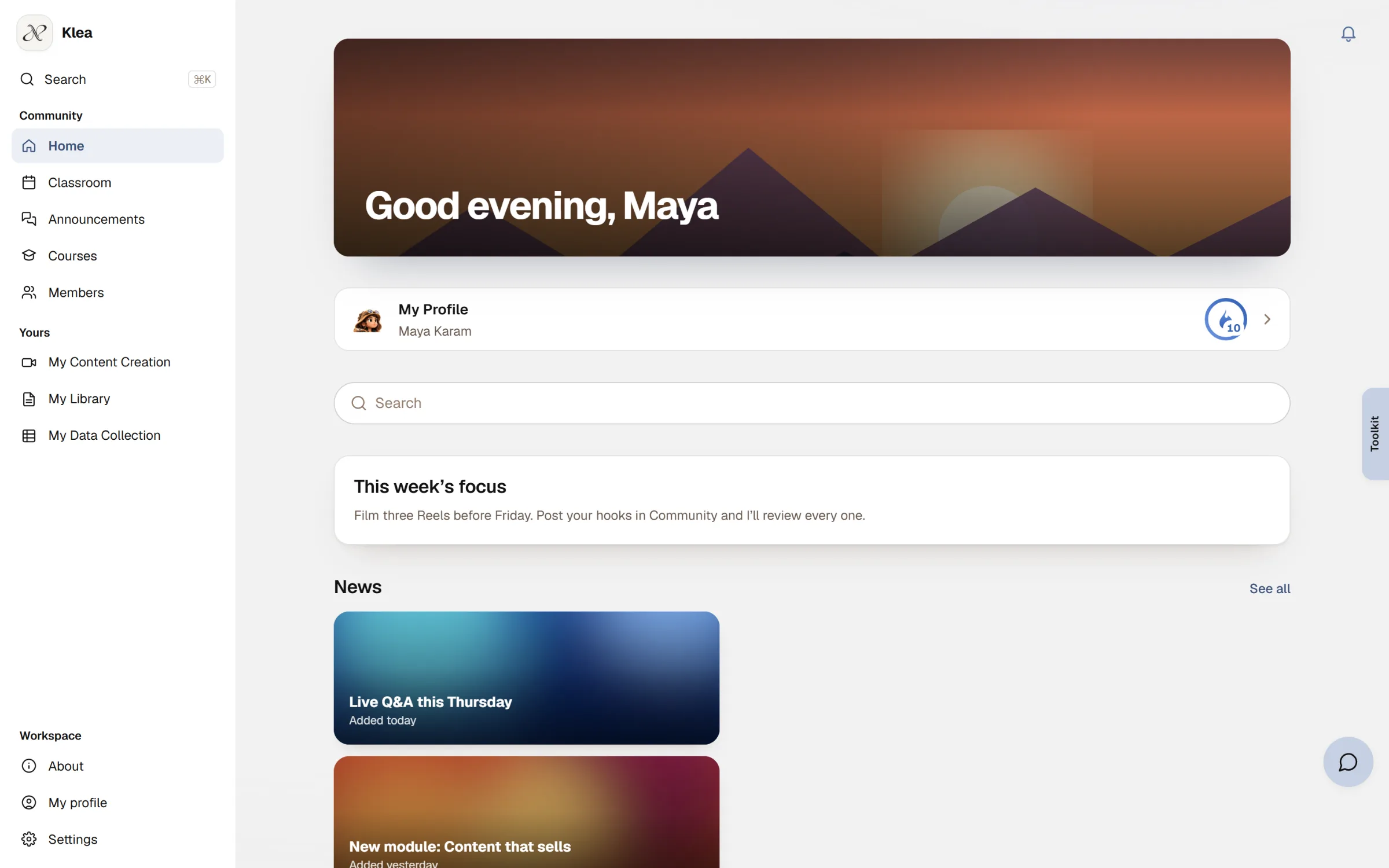
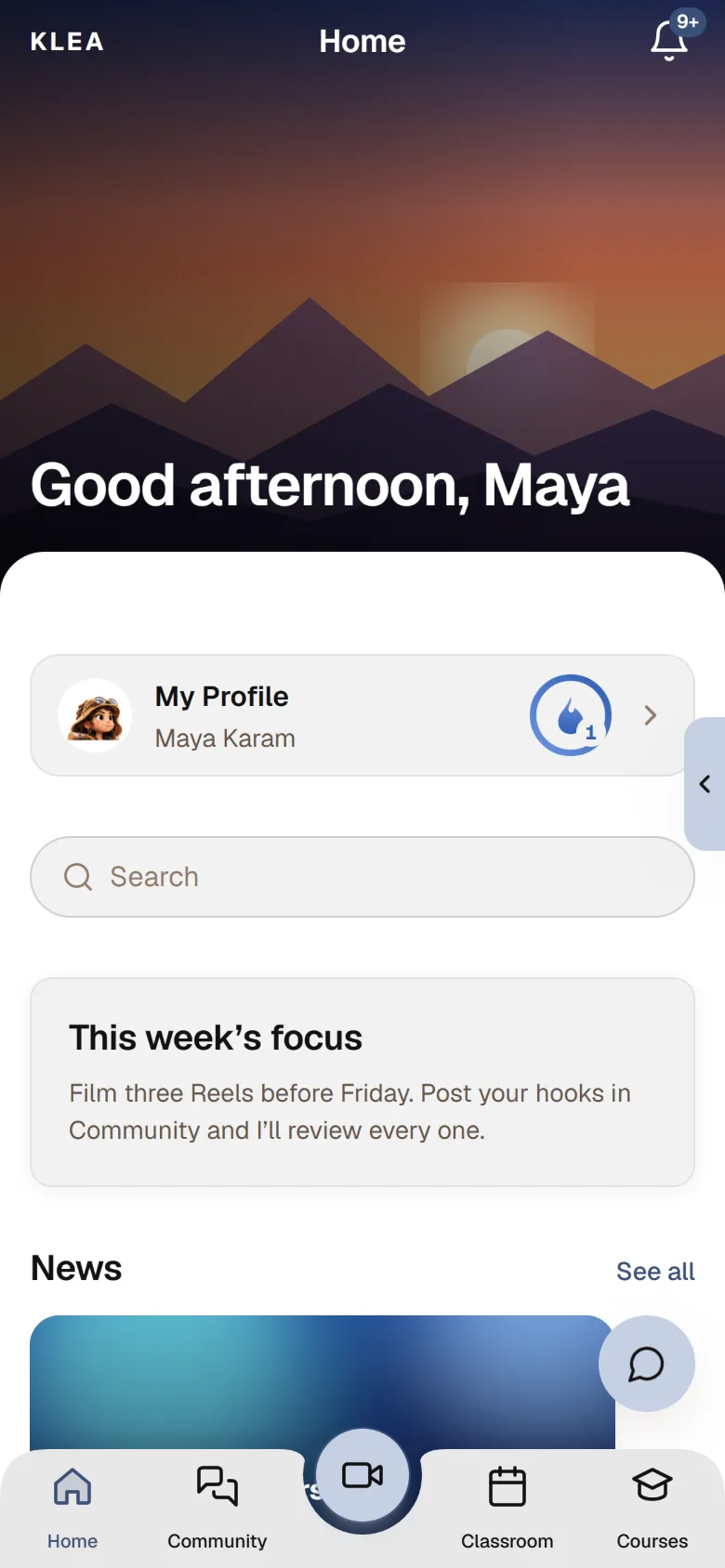
A cover photo and greeting, this week’s focus, news and “continue watching” — and admins arrange each member’s Home block by block.
- 02
Member access & payments
Admins invite and approve members, open the app and each course for exactly the people and dates they choose, track who has paid, and renew access in one tap.
- 03
Courses
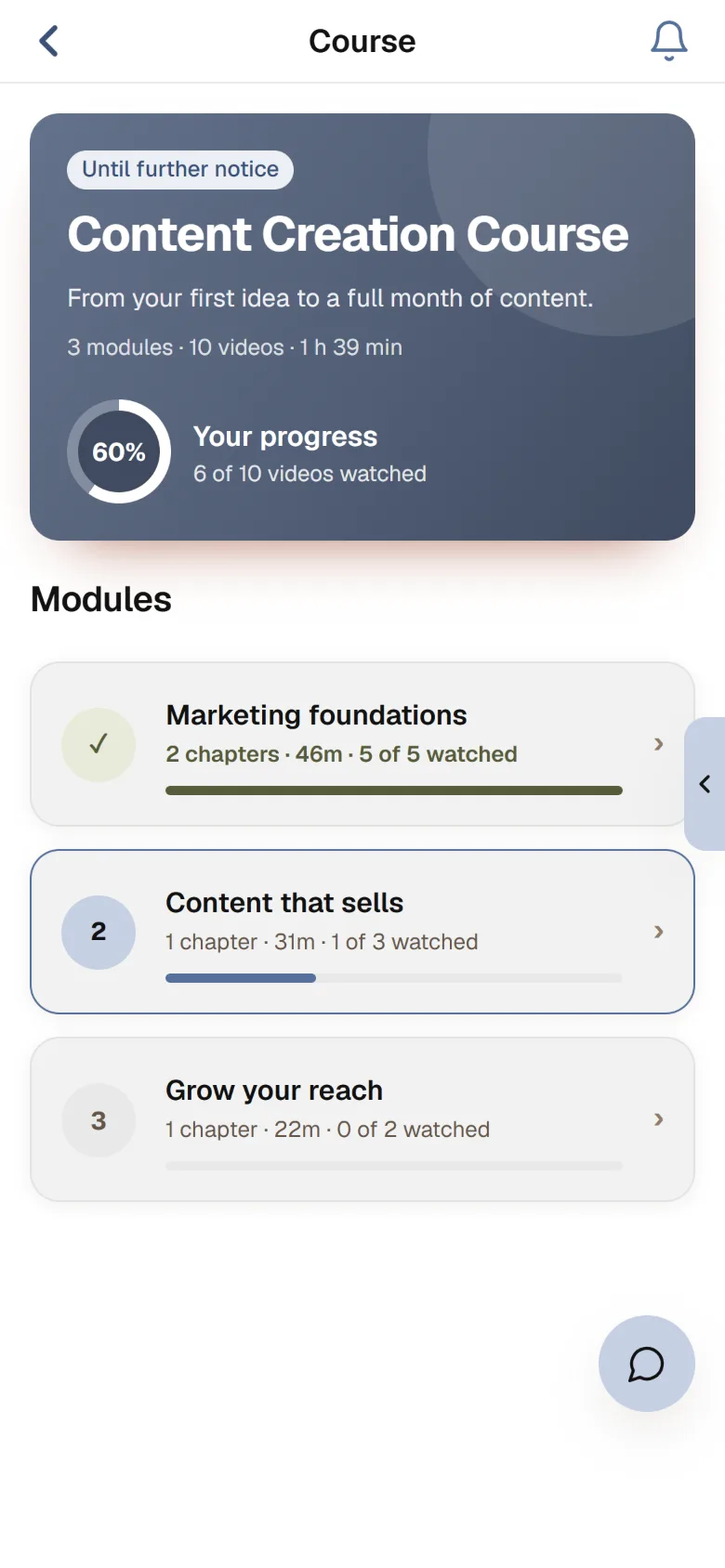
Modules and chapters with several videos each, adaptive streaming that resumes where you left off, Word and PowerPoint exercises up to 500 MB, and a celebration when a course is finished.
- 04
Chat
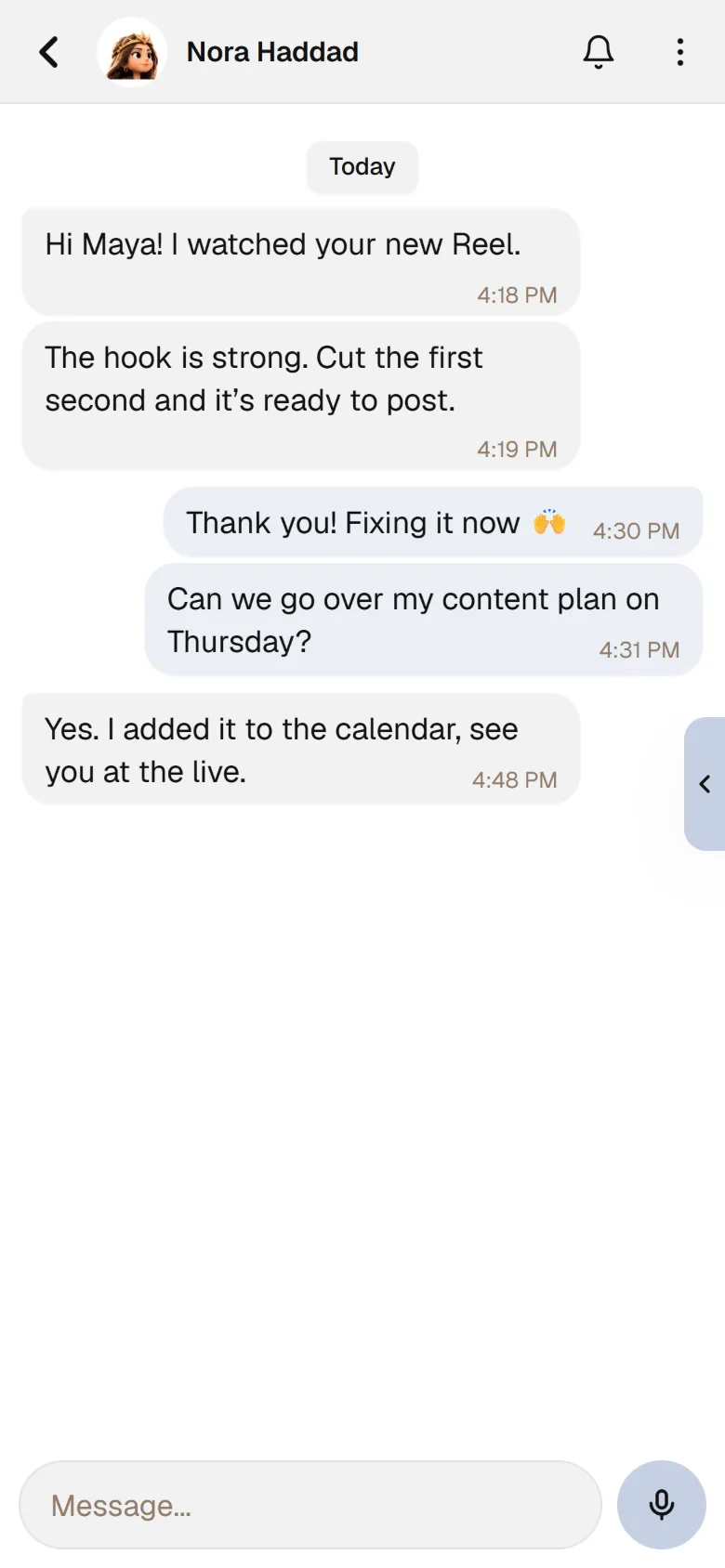
WhatsApp-style direct messages, groups and broadcasts — with reactions, replies, voice notes and read receipts for admins.
- 05
Announcements
Post types, categories and filters, photos, files and live polls, likes and comments — and @mention anyone who needs to see it.
- 06
Content creation
A content calendar where every post moves from idea to posted, with hooks, scripts and captions saved as you type — plus a posting streak, a blue flame that keeps every member going, and Excel export.
- 07
Pages & Toolkit
Rich pages with Excel-style tables and attachments. Paste from Word, a PDF or a spreadsheet and the formatting stays — and the app reads pages offline.
- 08
Client notes with a whiteboard
Shared notes tagged to members, each with its own whiteboard to sketch ideas and plans together.
- 09
Data Collection
Spreadsheet-style tables for every member, with board and calendar views, totals that calculate themselves and Excel export.
- 10
Calendar & live classes
List, day, week and month views, repeating events, time zones, live classes with a one-tap Join, guest invites by email and two-way Google Calendar sync.
- 11
Notifications & reminders
Reminders before events, nudges as due dates approach and a heads-up when access is ending — on phones, and on the website installed like an app.
- 12
Search & recycle bin
One search box across the whole app, and a recycle bin where admins restore anything deleted — or remove it for good.
The build
Designed and built end to end as one product: a Next.js web app and a native Expo app for iOS and Android, both running on the same backend.
One product, five screens
Desktop sidebar, tablet bar, a phone website that behaves like the app, and native iOS and Android builds.
Access the database enforces
Invites, waiting lists and timed member access checked by the database itself, not just the UI.
Protected video
Private links that expire, a viewer-name watermark, and screen-recording protection in the app.
Security-reviewed
Several security audits and database reviews, with the findings fixed across every version.
Light and dark
A calm blue-grey light theme and a deep dark theme, everywhere.
The result
A whole community, run from one app — on any screen, in light or dark.
Got an idea?